

Pricing unavailable — reload the page
- No subscriptions
- No license manager
- No iLok
Bundle & Save
Just want some inspiration? Grab all 17 instruments in a single bundle - highest value, lowest price.
Captured Sound
Prismatic is a collection of synth keys to add shining melodies or warm leads to a track.
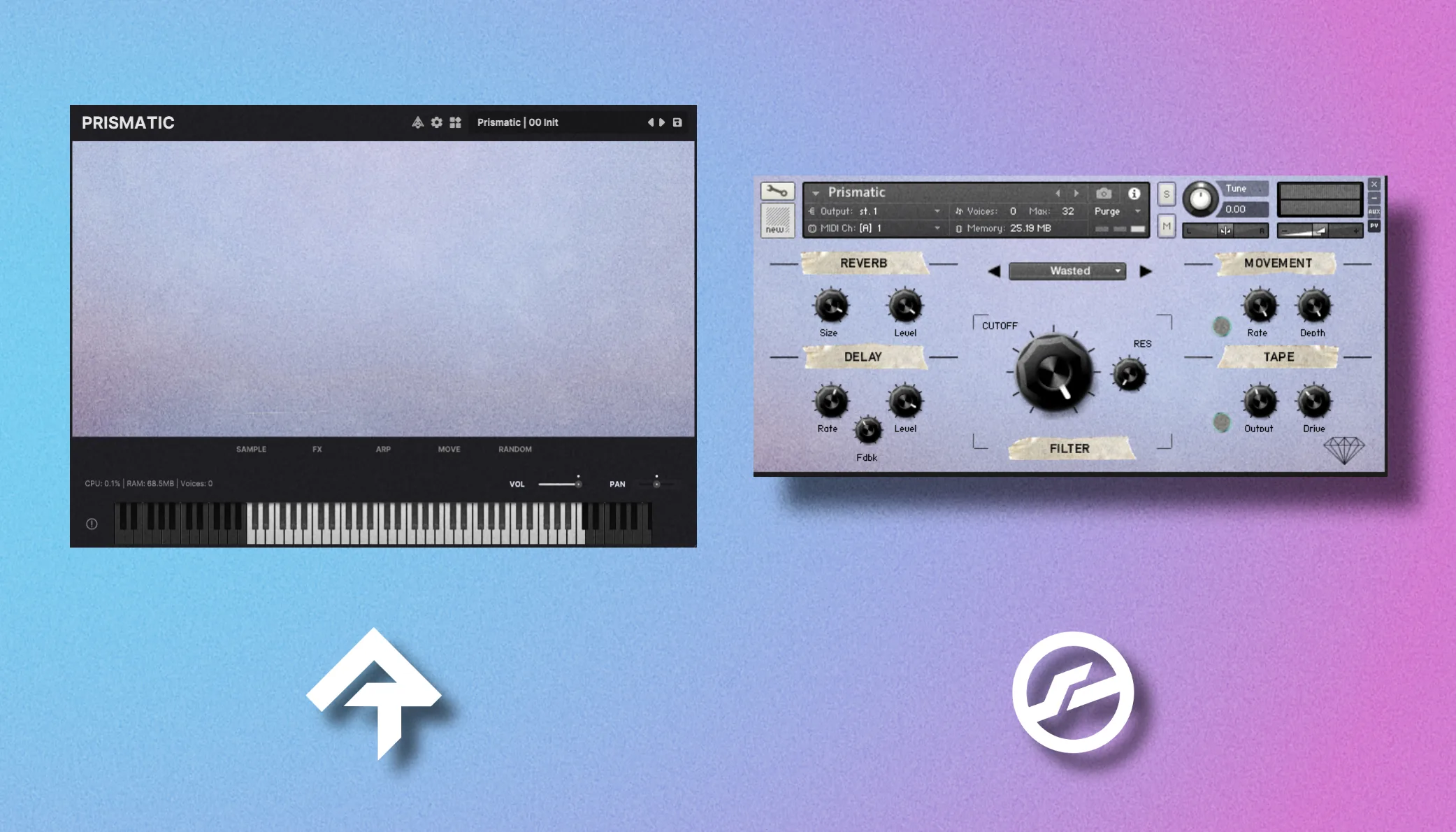
Each patch is handcrafted and intricately processed to be mix-ready, and the instrument comes with built-in effects to further sculpt or add atmosphere to the sounds.
Listen to Prismatic
FAQs
What is this product?
This is a virtual instrument - it plays recorded samples back when it receives a MIDI note from your DAW. Virtual instruments are the industry standard for high-quality, expressive playback.
Do I need a workstation (DAW)?
Yes - both versions of this instrument require both a workstation (DAW) like Ableton or Logic, as well as a sampler plugin (Kontakt or Rhapsody).
Do I need Kontakt?
There is a Kontakt and Rhapsody version. If you want to use the Kontakt version you will need the FULL (not free) version of Kontakt 5.5 or later.
Note: More recent versions of Kontakt (like 8+) may have compatibility issues and are untested. Use an older Kontakt (or Rhapsody).
What is Rhapsody?
Rhapsody is a free alternative to Kontakt, available for MacOS, Windows and Linux. Rhapsody only loads the Rhapsody version - it cannot load the Kontakt version of the instrument.
What is the difference between the Kontakt and Rhapsody versions?
The Kontakt versions came first so they're a bit outdated. In general I recommend using the Rhapsody version - it's free, more "modern" and includes additional controls like sampler-level adjustments and effects.
Do you offer refunds?
If you're unhappy with the purchase, or can't get it working. Send me an email via the Contact Form within 7 days of purchase for a refund.
How do I use this in my DAW?
It depends on the DAW, but the general steps are:
- Install Kontakt / Rhapsody
- Install the instrument.
- Create an instrument track in your DAW - add Kontakt / Rhapsody.
- Load the instrument onto the track.
- Create (or record) a MIDI clip onto the timeline.
The MIDI information will then be sent to the instrument by your DAW - allowing you to hear the playback.
Do people really use these?
Yes, virtual instruments are still very popular. My libraries have several thousand sales across multiple distributers worldwide - producers and composers use them daily and despite sample libraries being decades old, they're still the best technology we have.
Rhapsody is a free and open-source VST, AU & Standalone player by Libre Wave.
Gone are the days of needing $400 software to open virtual instruments. Rhapsody is fast, powerful and most importantly… it's free.
Specs
- 15 hand-picked sound banks
- Built-in FX suite
- Free Player Plugin by Libre Wave
- VST, AU & Standalone Support
- 230MB download size
- 238MB uncompressed
Setup guides
Kontakt 5.8 or higher (full version) required. This library will not work in the free Kontakt Player.
Specs
- 15 hand-picked sound banks
- Built-in FX suite
- Kontakt 5.8 or higher (full)
- All major DAWs supported
- 375MB download size
- 375MB uncompressed